Free · No sign-up · Live 3D preview
3D crochet patterns — see the toy in 3D before you stitch a single round
Crochet patterns come in two families: flat charts that make pictures, and 3D patterns that make shapes. This page is about the second kind — and the free simulator that designs them with you.
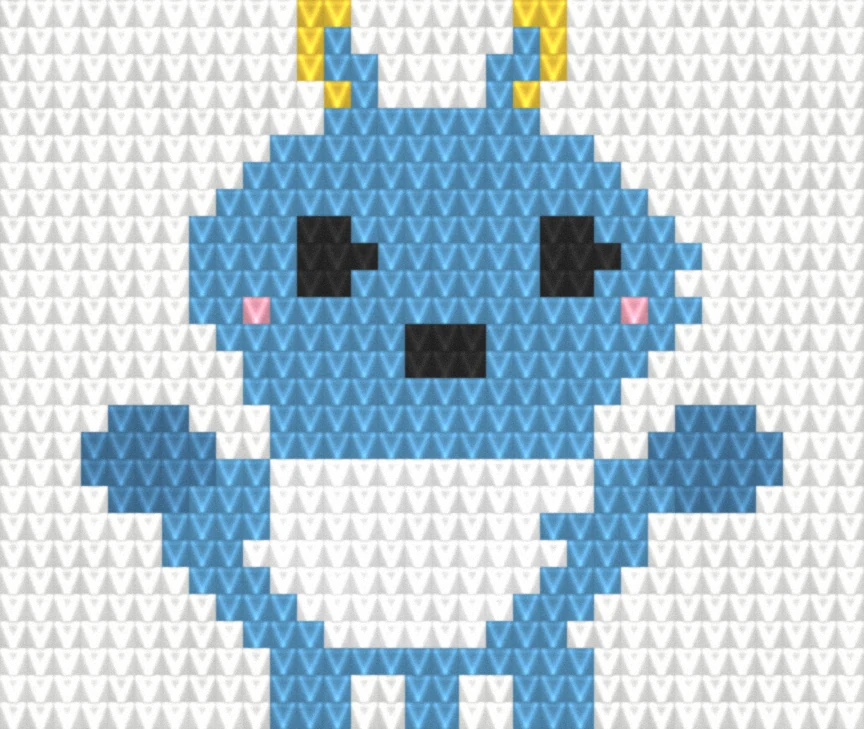
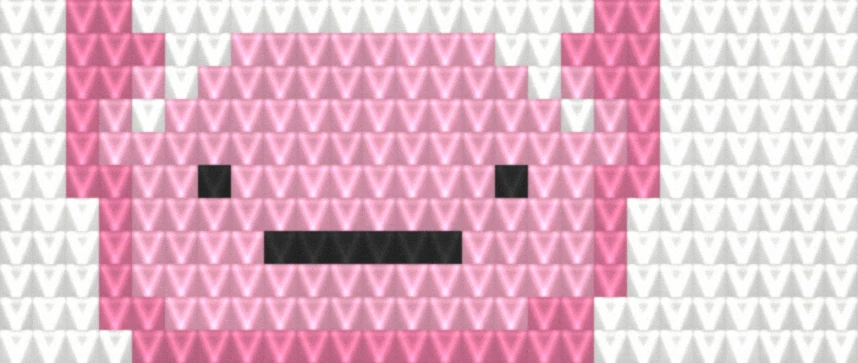
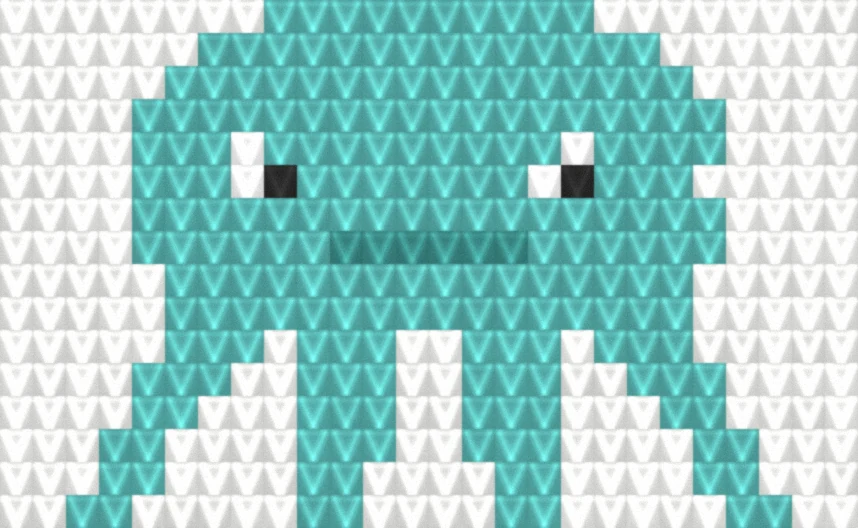
Search for 3D crochet patterns and you'll land in a pile of flat graphgan charts — grids where one square is one stitch and the finished piece lies flat as a blanket. Useful, but not what "3D crochet" means. A real 3D crochet pattern is worked in rounds, not rows: increases and decreases sculpt the fabric into a ball, a snout, a tail, and a bit of stuffing turns it into a toy that stands up on its own. It's the technique behind amigurumi — and it's the one craft where a wrong number in round 14 quietly becomes a lopsided ear in round 30.
That's why we built the design flow around a live 3D preview instead of a flat chart: you shape the toy first, and the pattern — every round, every stitch count — is computed from the shape you see. All of it is free, with no account: 3D crochet patterns free of the usual PDF paywall.
Why a 3D crochet simulator beats a flat chart
A flat chart answers one question: what does the picture look like? A 3D pattern has to answer a harder one: what does the shape look like — from the front, the side, the back? Paper patterns solve this with photos of a finished toy and a leap of faith. A crochet simulator solves it directly: the live preview shows the actual 3D form your rounds will produce, so a too-long ear or a too-chubby body is something you fix with a slider, not something you discover after six hours of stitching.
The second thing a simulator beats is arithmetic. Every round of a 3D piece is a small math problem — where the increases fall, how many stitches you should have at the end — and one miscount unravels the shape. Here the stitch counts aren't typed by a human at all: they're computed from the shape's geometry, so they add up by construction.
And the third thing is resizing. With a written pattern, making the toy bigger means redoing every round by hand. In the simulator you set the finished height — anywhere from 8 to 30 cm — and every round count, stitch count, yarn amount, and even the recommended safety eye size is recomputed from the geometry. An 8 cm keychain and a 30 cm shelf cuddle become the same design, two clicks apart.
How the simulator turns a shape into stitch counts
Each piece of your design — body, ears, limbs, tail — is a smooth surface of revolution, built from a profile you can drag in the preview. The generator then slices that surface into crochet rounds at a standard amigurumi gauge (16 sc × 18 rounds = 10 cm), places the increases and decreases where the geometry says the shape widens and narrows, and writes the result as round-by-round instructions in plain US terms, just like a published pattern.
You start from a ready-made base (a chibi doll or a standing animal) or from a blank ball, and add pieces from a library of 8 base shapes — balls, tubes, cones, teardrops, eggs. The materials list falls out of the same math: yarn amounts per piece, hook size, safety eye size scaled to the height you set, and stuffing weight.
What a free 3D crochet pattern from here includes
The full pattern, not a teaser: round-by-round instructions with stitch counts for every piece in your design, numbered assembly steps that reference real round numbers ("sew the head to the body at R6"), and the materials list. The print button gives you a clean PDF to take to the couch. Free, no sign-up, and the toys you make from it are yours to gift or sell.
If you'd rather start from something proven than from a blank ball, the doll base and the animal base load pre-assembled in the same editor — reshape any piece in 3D and the pattern follows.
Design your first 3D crochet pattern
Pick a base body, shape it in the live 3D preview, set your size — and print the full pattern with every stitch count computed for you.
Frequently asked questions
Are these 3D crochet patterns free?
Yes, completely — the full pattern (every round, assembly steps, materials list) with no account, no sign-up, and no paywall. Print it or save it as a PDF and keep it forever.
What is a crochet simulator?
A live 3D preview of your design that shows the actual shape your rounds will produce before you crochet anything. Because the written pattern is computed from that shape, the preview and the instructions never disagree — what you see is literally what you stitch.
Is 3D crochet the same thing as amigurumi?
Almost — amigurumi is the Japanese tradition of small stuffed toys, and it's the most popular form of 3D crochet. The shared technique is shaping in rounds: single crochet with increases and decreases that turn flat fabric into balls, cones, and limbs. If a pattern produces something you can stuff, it's 3D crochet.
What's the difference between a 3D crochet pattern and a chart?
A chart (graphgan) is a flat grid — one square per stitch, worked in rows — and makes pictures: blankets, pillows, wall hangings. A 3D crochet pattern is written round by round and makes shapes: toys that stand up on a shelf. This site does both; this page is about the 3D kind.
What yarn and hook should I use?
Worsted weight (#4) yarn with a 4 mm (G-6) hook, worked tightly at a standard amigurumi gauge (16 sc × 18 rounds = 10 cm) so the stuffing doesn't show through. Exact gauge isn't critical — thicker yarn and a bigger hook simply give you a larger, chunkier toy from the same instructions.
Can I sell toys made from these patterns?
Yes. Finished toys you crochet from patterns made with the simulator are yours to gift, donate, or sell — at craft fairs, on Etsy, anywhere. We only ask that you don't resell or republish the generated pattern text itself as your own pattern.